HIGH-CONTRAST USER INTERFACES

OLED Display System Solutions

Build compact, high-contrast OLED interfaces with the right optical behavior, controller strategy and embedded software.

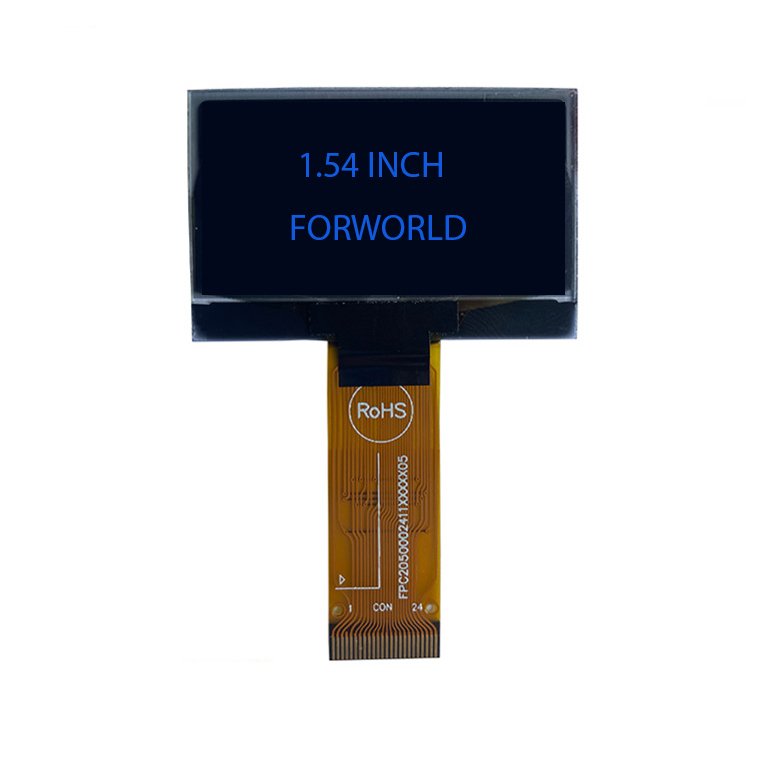
Compact OLED display module with blue graphics

APPLICATION-FIRST ARCHITECTURE

A system decision, not an isolated part number.

OLED can simplify a compact user interface, but lifetime, power, image content and thermal conditions must be balanced early. We connect those decisions to the host platform, UI behavior and mechanical envelope before a configuration is approved.

FROM INPUTS TO A CONTROLLED BASELINE

What this solution path covers.

The exact scope is set by the application. These workstreams keep the most important display, electronics, software and mechanical decisions connected.

01 · DEFINE

Decision Inputs

  • Display area, pixel format, color mode and viewing distance
  • Static-content exposure, duty cycle and expected service profile
  • Power budget, sleep behavior and ambient-temperature range
  • Host resources, interface preference and UI update rate

02 · INTEGRATE

Engineering Scope

  • Passive- and active-matrix OLED option assessment
  • Power, reset, interface and controller coordination
  • Initialization, font, icon and image-rendering firmware
  • Mechanical placement, window design and optical review

03 · DOCUMENT

Project Outputs

  • Technology and candidate comparison
  • Electrical connection and initialization guidance
  • UI content constraints and power-management recommendations
  • Verified reference configuration for the target host

APPLICATION ALIGNMENT

Where this path fits.

  • Portable instruments
  • IoT controls
  • Medical handhelds
  • Smart appliance interfaces

NEXT STEP

Define the right starting architecture.

Send the application, host platform, viewing conditions, target size, touch needs and mechanical envelope. We will turn those inputs into a focused technical discussion.

Share Requirements